Convert PDF to an editable resume
Turn information from your old resume into an editable version
Convert your existing resume information, check its text and dates, and export a new PDF.
Start your resume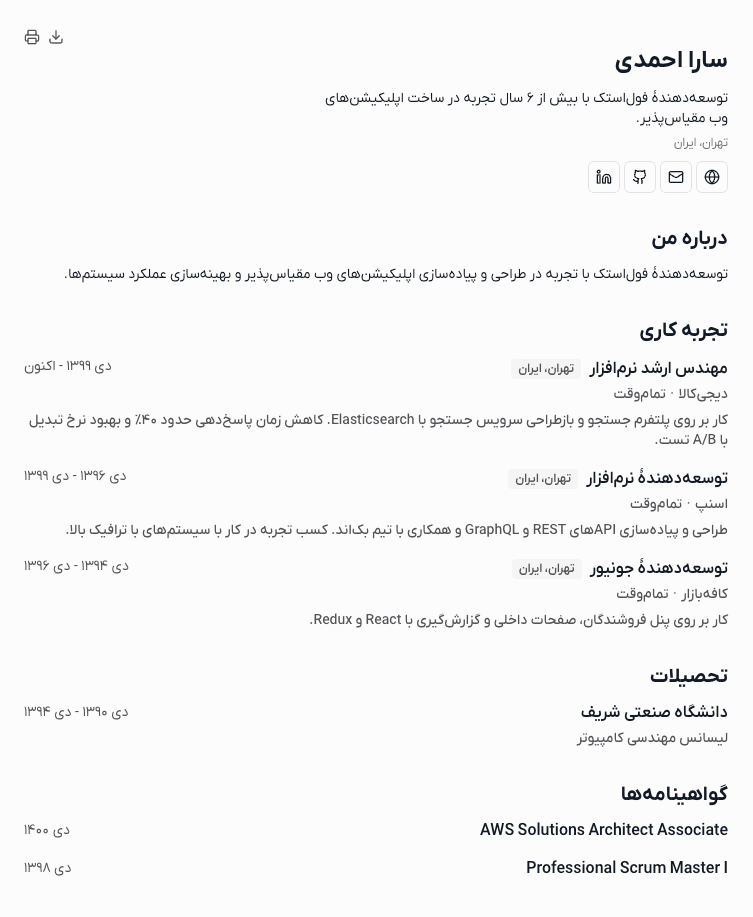
Resume builder features
Enter information in the form
Enter your details, experience, education, and skills in separate sections.
Edit and review
Correct text and dates, then check the preview before sending.
Export PDF
Save your completed resume, check the preview, and export a PDF.
From your old resume to a new version
Import your PDF
Upload a resume file and wait for the editable version.
Check text and dates
Update old information and confirm all details are correct.
Check the preview and export
Check your preview, save the resume, and download the new PDF.
Before you start
- Extraction can make mistakes. Check text and dates after conversion.
- The builder does not edit the original PDF directly or recreate its design.
- Editing saved resumes and exporting PDF remain available.